A FRESH START
Make space.
Keep the good stuff.
Find the files you no longer need. Review, select, and clear them out for a phone that feels a little lighter.
A cleaner phone starts here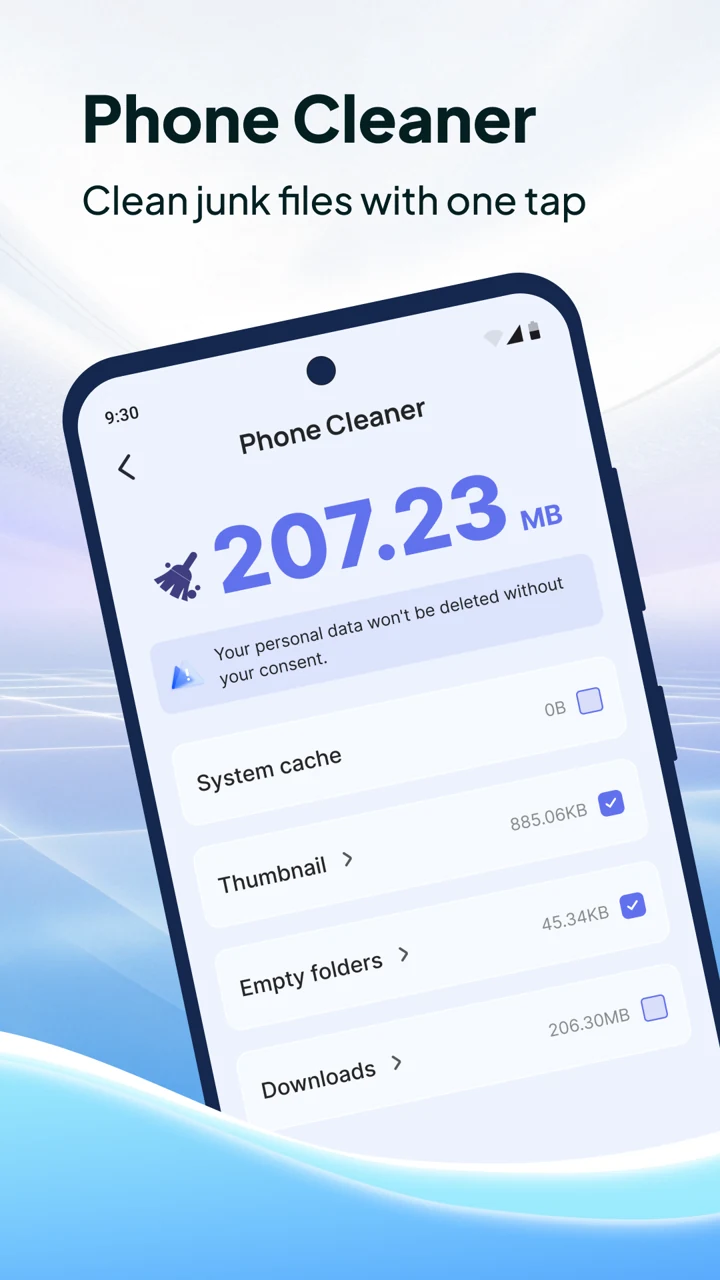
Your phone holds your world. Keep it organized with simple tools to clear the clutter and make space for what matters.
Made for Android. Google Play link coming soon.
A little less clutter
A little more possibility.
Your files. Your choice.
Review before you remove.
LESS MESS. MORE YES.
All the tools you need to tidy up your digital world. None of the complicated stuff.
A FRESH START
Find the files you no longer need. Review, select, and clear them out for a phone that feels a little lighter.
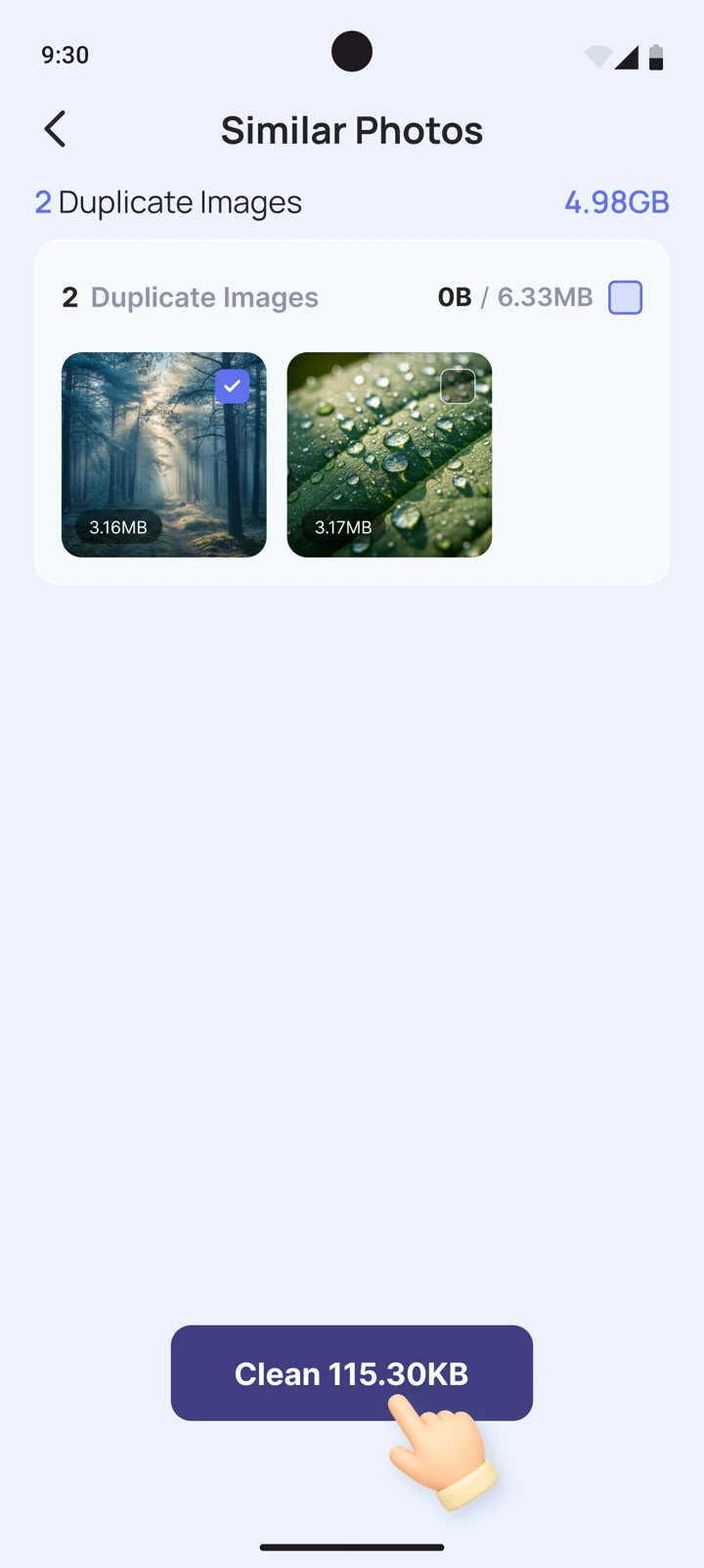
A cleaner phone starts hereFind similar photos and keep your favorites. Make room for your next great moment.
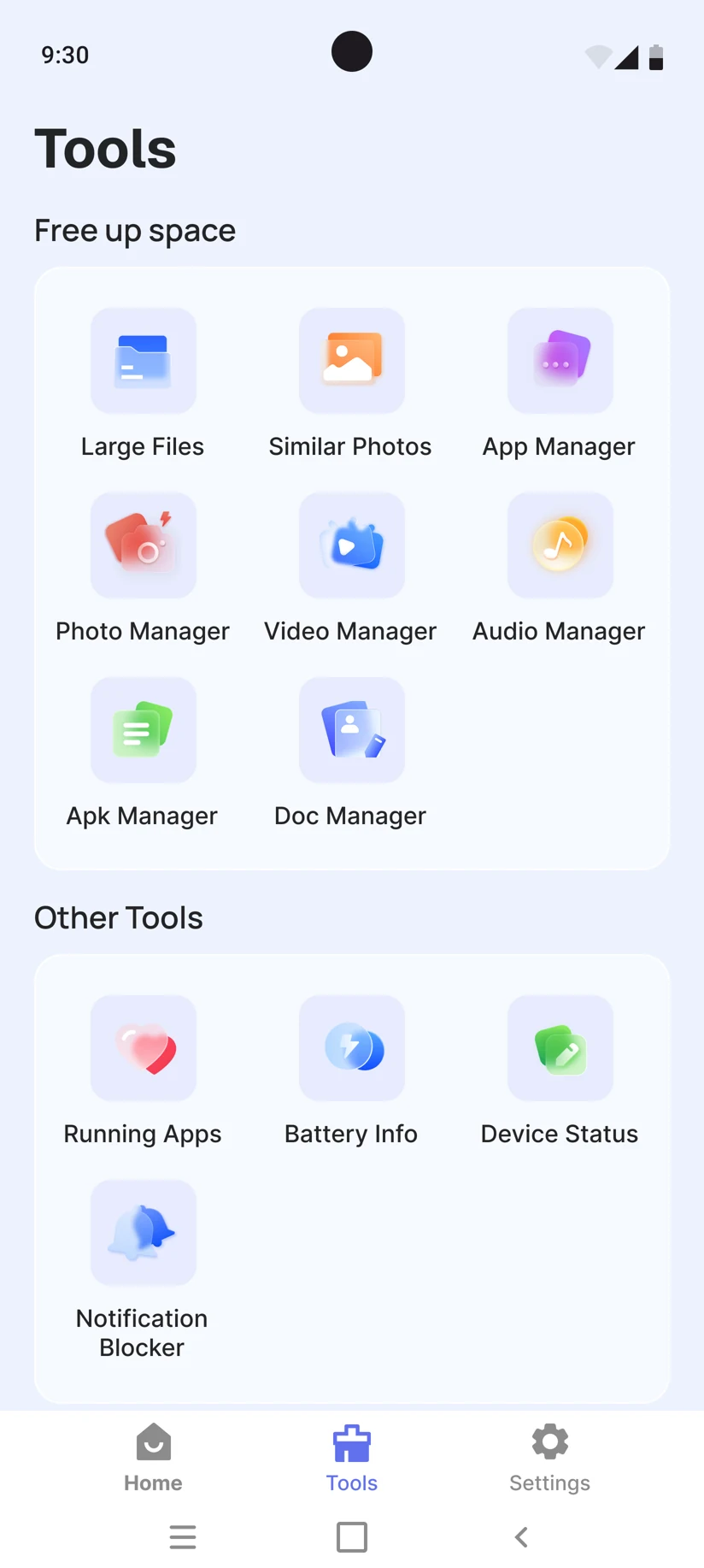
Large files, videos, audio, and documents. Give everything a place with easy-to-reach file tools.
See what's taking up space, review unused apps, and bring a little order to your home screen.
Get a clear view of battery information and device status. Your everyday essentials, at a glance.
SMALL STEPS. FRESH START.
Less time cleaning. More time doing your thing.
Open MaxClean and scan for the files and clutter taking up space on your phone.
Review the results. Choose what goes and what stays. You're in the driver's seat.
Confirm your cleanup, and make room for new photos, favorite apps, and everyday life.

Keep what matters to you.
A fresh start, on your terms.
THOUGHTFULLY SIMPLE
Cleaning should feel good, not complicated. MaxClean puts easy-to-understand tools and clear choices right at your fingertips.
Review your files before cleaning
Everyday tools, all in one place
A simple experience, from the first tap
GOOD TO KNOW
A few answers before your fresh start.
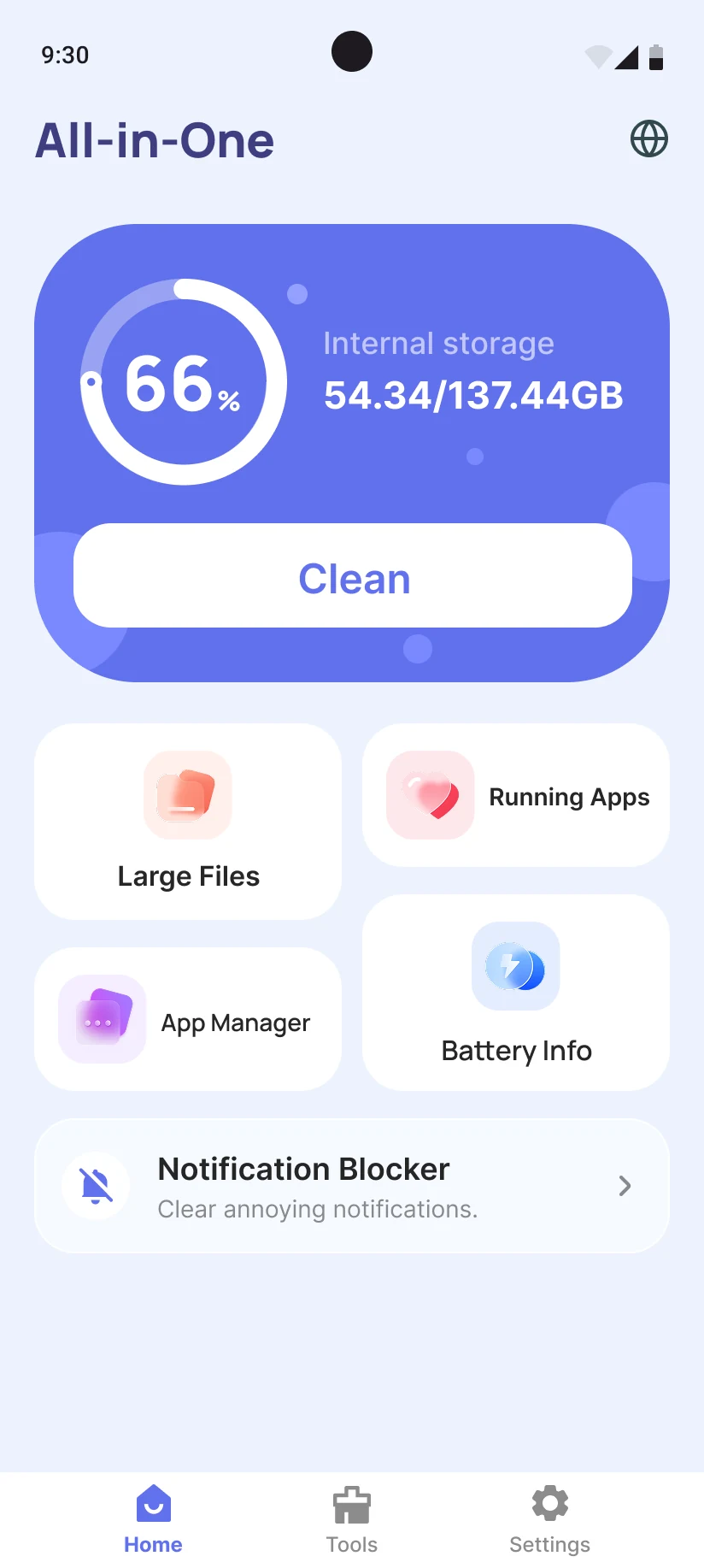
MaxClean brings phone cleaning and file management together. Find large files, review similar photos, manage your apps, check battery information, and organize videos, audio, and documents from one place.
Yes. Review the files found during a scan and choose what you want to remove. Take a moment to check your selection before confirming a cleanup, especially for photos and downloads you want to keep.
MaxClean is designed for Android. This website links to the Android app on Google Play; there is no iPhone download available here.
Download MaxClean from Google Play, open the app, and choose a tool from the home screen. Follow the in-app instructions and grant the permissions needed for the feature you want to use.
MAKE ROOM FOR THE GOOD STUFF
Less digital clutter. More everyday possibility.
Meet your phone's new favorite companion.
For Android - download link coming soon